
Important password security tips
Password attacks are the most common ways personal and business data is compromised. Follow these password protection tips to strengthen your security:
Don’t:
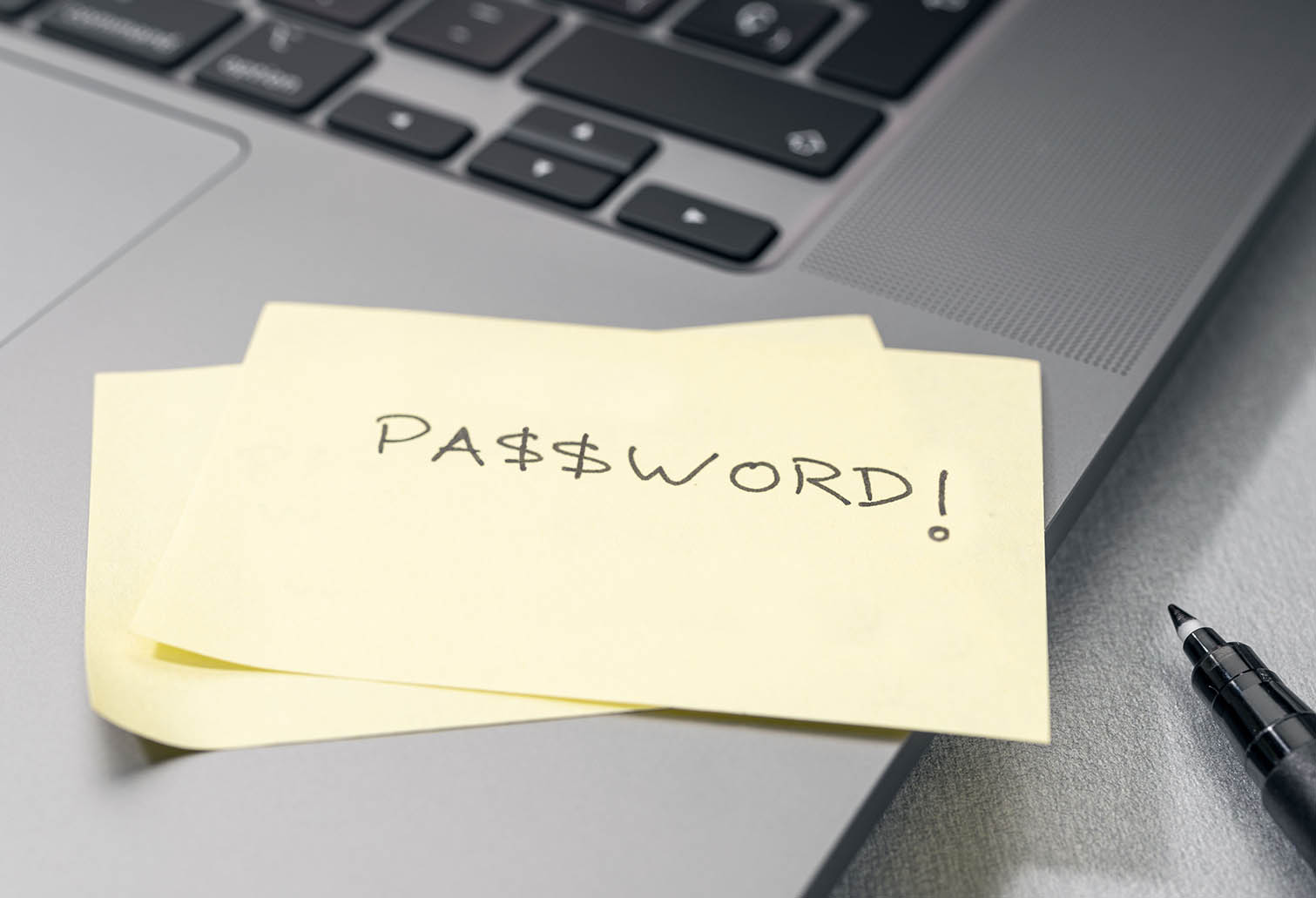
- Write passwords down on paper or sticky notes
- Use personal details (e.g., pet names, family names, birthdates) in passwords
- Reuse the same password across multiple accounts or systems
- Share passwords over unsecured channels like plain email or messaging
Always:
- Use unique passwords for each app, website or system
- Be cautious of unsolicited email links – they could be phishing attempts
- Create strong passwords with a mix of uppercase and lowercase letters, numbers, and special characters
- Use encrypted methods if you absolutely must email or message a password – but never include usernames or system details
- Regularly review and update passwords, especially for critical systems
Where possible:
- Avoid emailing passwords altogether
- Use a password generator for stronger, unpredictable passwords
- Store passwords in a secure password manager or vault
- Enable multi-factor authentication (e.g., one-time codes, biometrics, or authentication apps)
- Use passkeys or passwordless authentication instead of traditional passwords
- Assign individual accounts to every staff member (no shared logins)
- Audit user access periodically and revoke access when no longer needed
Ensure your website and systems:
- Implement rate limiting and CAPTCHA to prevent brute-force login attempts
- Detect and lock accounts after repeated failed login attempts
- Monitor and block suspicious IP addresses to prevent unauthorised access
- Immediately disable compromised accounts to limit damage
- Require users to change weak or simple passwords
Protect what you love online. Call 3366 8166 or contact us for expert help keeping your WordPress site safe.